Room interfaces
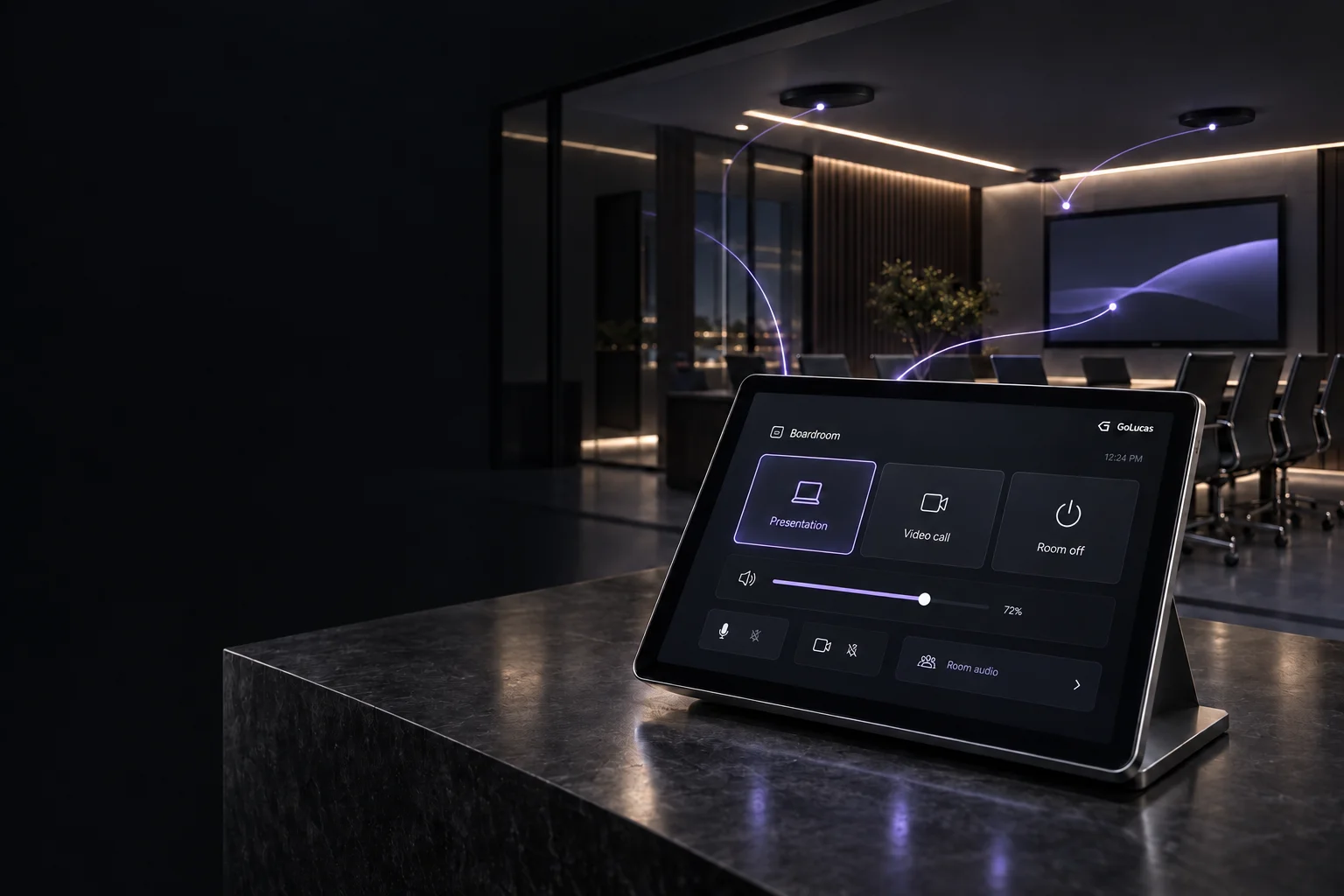
Source selection, displays, audio levels, and supported room functions in one purpose-built interface.
Custom A/V control applications for Calgary and the surrounding area.
Purpose-built software for the way your room is actually used.
Control software, designed around people.
Fewer steps for the people in the room.
Clearer logic behind the scenes.
Source selection, displays, audio levels, and supported room functions in one purpose-built interface.
Coordinate compatible devices and existing systems through their available control interfaces.
Make everyday tasks repeatable: start a meeting, choose a presentation setup, or shut the room down.
Equipment, network, available interfaces, and everyday use.
Define the control logic. Build an interface people understand.
Test real room workflows and document how the system works.
Integration depends on the interfaces supported by your equipment. Compatibility and any hardware changes are reviewed before scope is agreed.
Before we start
Every room is different. Here’s how we find the right approach for yours.
That’s a useful place to start. I review what is already installed, how it is connected, and which control interfaces it exposes. From there, we can identify what can be reused and whether any changes are needed. Compatibility is confirmed before the scope is agreed.
Depending on your equipment, it can select sources, manage displays and audio, show device feedback, and coordinate several actions into a room workflow. The interface is designed around the tasks people perform, not a screen full of every setting the equipment offers.
No. The same approach can apply to boardrooms, training spaces, multi-purpose rooms, and other A/V environments. We start with how the space is used and review the system before choosing the right control approach.
Tell me where the room is, what people need it to do, and what is difficult today. An equipment list, a few photos, or an existing system diagram are helpful if you have them. You don’t need a finished technical brief to start a conversation.
Calgary & surrounding area
Tell me about your space, the equipment, and what you’d like to make simpler. We’ll work out a practical next step.